xui widget Features
Bridge the Gap Between Desktop Power and Web Accessibility
xUI is the missing link for organizations transitioning from ArcGIS Pro to the web. While standard widgets offer basic functionality, xUI provides a unified, high-performance console designed for the rigors of municipal data management, professional spatial analysis, and enterprise-grade reporting.
ADVANCED DATA NAVIGATION
Restore desktop-class control to the web with an interactive Table of Contents and scale-dependent visibility. This module organizes complex municipal datasets into a familiar, manageable hierarchy while keeping essential feature information and media directly within the sidebar.
PRECISION SEARCH & SELECTION
Accelerate data discovery with a suite of multi-modal selection tools and advanced SQL query builders. Users can pinpoint exact assets through responsive autocomplete searching and refine results using parent-child hierarchies and spatial relationship logic.
ENTERPRISE DATA MANAGEMENT
Ensure data integrity with schema-driven editing and high-performance attribute management. This quadrant streamlines municipal workflows by allowing for secure bulk data updates and providing integrated tabular views that can be instantly exported for administrative use.
SPATIAL ANALYSIS & OUTPUT
Transform map data into actionable insights with automated reporting and integrated spatial analysis. From generating custom Arcade-powered PDF labels to performing real-time buffer analysis and 3D Street View synchronization, this module handles the heavy lifting of GIS production.
Complete xUI Feature List
xUI transforms your web applications from basic maps into professional-grade GIS workstations. By consolidating fragmented tools into a single, high-performance console, we bridge the functional gap between ArcGIS Pro and the web—empowering city departments with the precision, control, and efficiency they need to manage complex municipal data.
Map Organization & Table of Contents
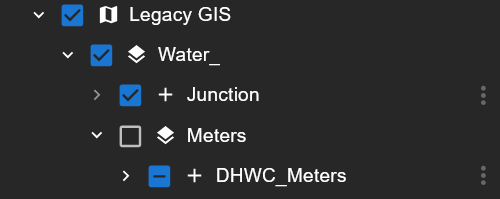
Interactive Table of Contents
Navigate complex datasets with a dynamically generated, responsive data tree that restores familiar, deep-layer control.
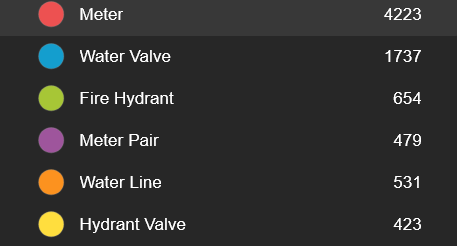
Real-Time Feature Counts
Instantly view the total number of active features per layer within the Table of Contents.
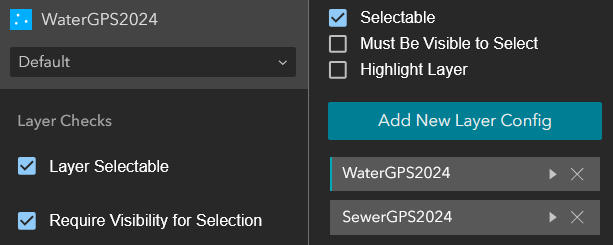
Granular Layer Configuration
Toggle editability, selection rules, and label visibility on a per-layer basis directly from the UI.
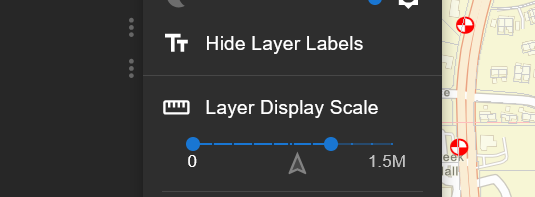
Scale-Dependent Rendering
Control layer opacity and set specific zoom-scale dependencies directly from the sidebar.
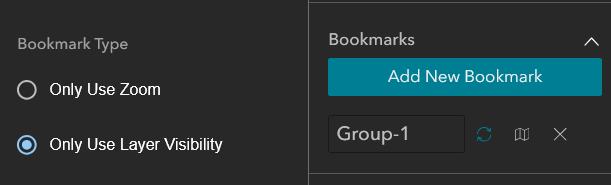
Spatial & Visibility Bookmarks
Save specific zoom extents and layer visibility states for rapid navigation.
Advanced Search & Selection
Powerful Selection Tools
Accelerate data discovery with powerful selection tools designed for the rapid identification of features.

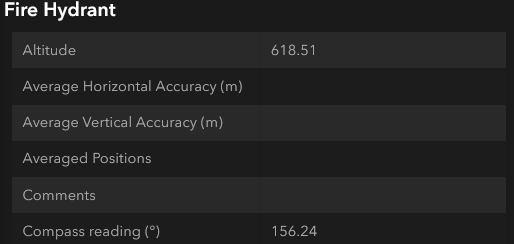
Native Feature Pop-ups
Display standard ArcGIS "Feature Info" dialogs directly within the xUI pane, eliminating map clutter.
Dynamic Autocomplete Search
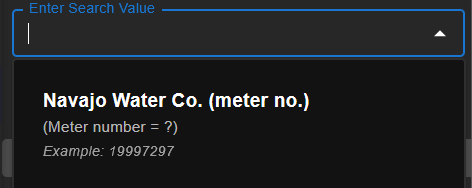
Accelerate data discovery with a responsive search bar that queries your map layers in real-time as you type.
Enhanced Relational Search
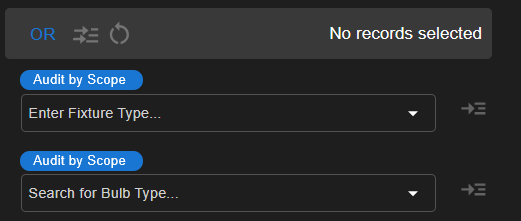
Execute complex AND/OR SQL searches coupled with direct map selections.
Advanced SQL Query Builder
Construct complex filtering and search parameters using an intuitive custom SQL expression builder.
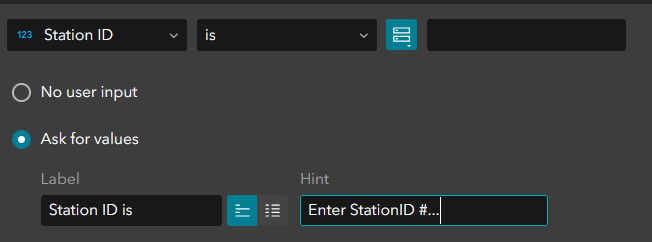
Attribute-Driven Selection
Isolate features based on specific data values using a streamlined SQL query interface.
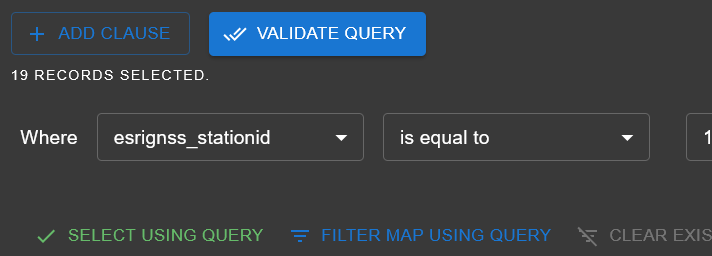
Multi-Modal Spatial Selection
Isolate features using point, bounding box, or polygon drawing tools.
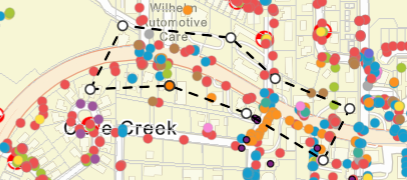
Hierarchical Selection Trees
Automatically organize selected features into a structured, parent-child data tree.

Refined Selection Management
Manually prune unwanted features from your active selection set to isolate exactly what you need.
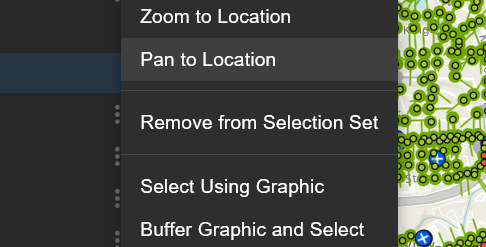
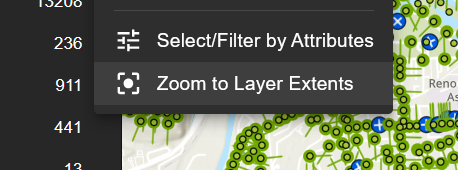
Precision Map Navigation
Instantly pan and zoom to the full extent of a layer, a bulk selection result, or an individual isolated feature.
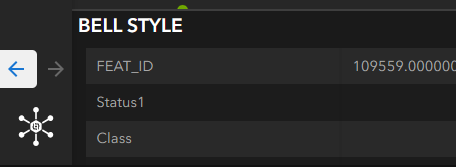
Sequential Result Navigation
Step forward or backward through individual selection results to review details systematically.
Data Editing & Management
Dynamic Data Management
Streamline your workflow with high-performance editing and validation directly in the field.
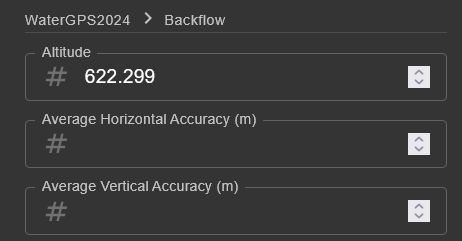
Schema-Driven Bulk Editing
Update records rapidly with an intelligent editing interface that strictly adheres to your existing data schema.
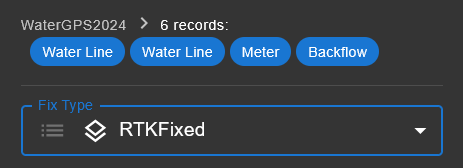
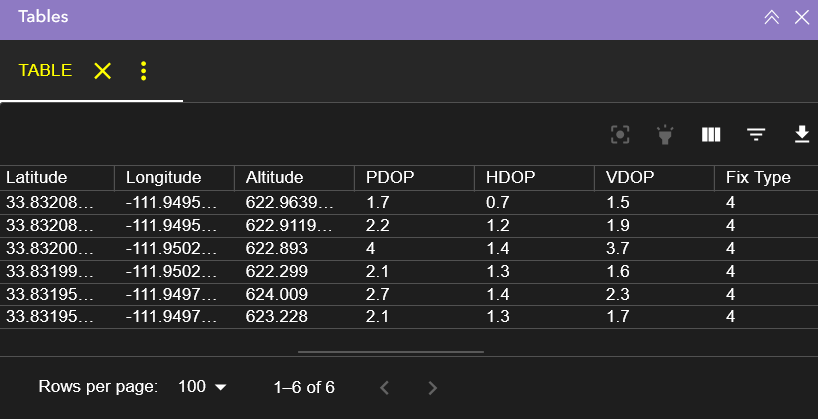
Integrated Attribute Tables
View comprehensive attribute data for entire layers or specific selection sets within a dedicated tabular interface.
Spatial Analysis & Measurement
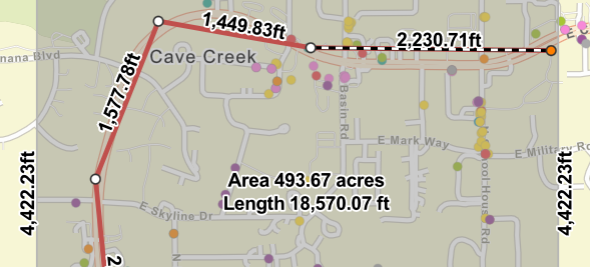
Integrated Drawing & Measure
Sketch polygons, lines, and points directly onto the map canvas and automatically calculate real-time dimensions.
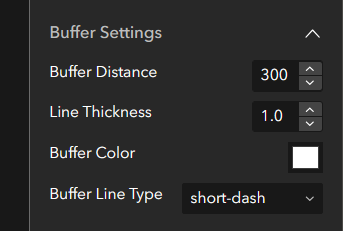
Configurable Selection Buffers
Apply precise distance buffers to active selections to identify adjacent features or impact zones.
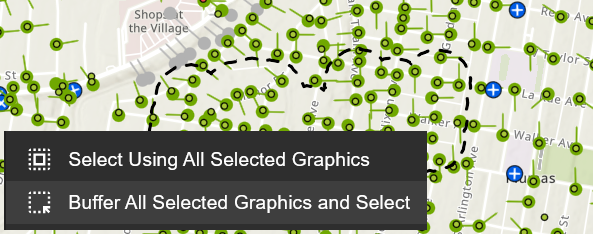
Iterative Buffer Analysis
Apply a spatial buffer to your current selection and automatically re-run queries to identify newly intersected features.
Reporting & Media Integration
Standardized Data Export
Extract your active selection results instantly into universally accessible CSV or PDF formats for offline distribution.

Arcade-Powered Reporting
Automate the generation of highly formatted documents, such as Avery mailing labels, using custom Arcade expressions.
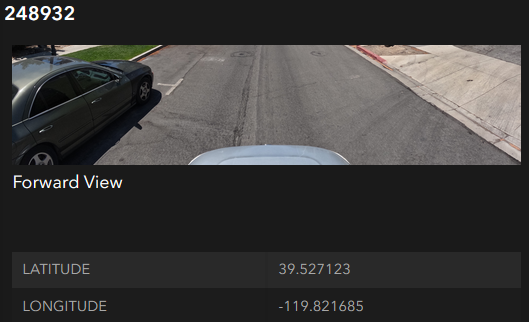
Inline Media Viewing
Access and view feature-attached images directly within the selection tree without opening separate browser tabs.
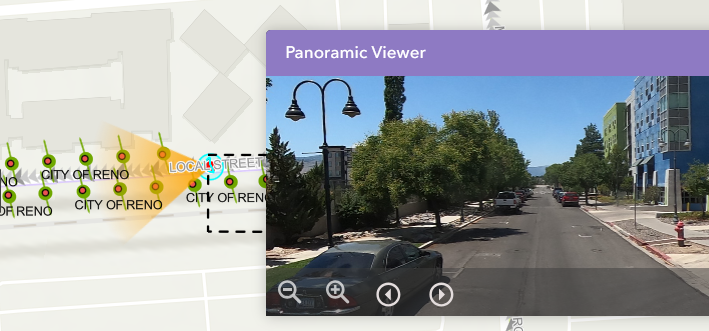
3D Panoramic Integration
View panoramic imagery directly within the UI, complete with a dynamic map indicator showing the camera's current directional heading.
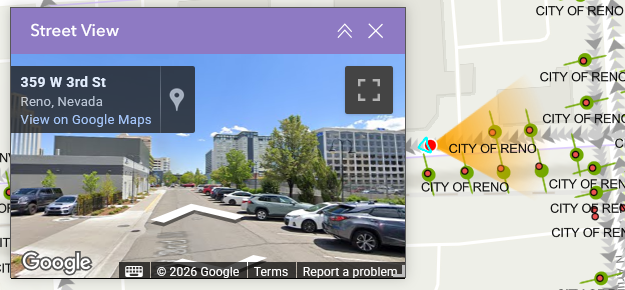
Google Street View Sync
Access Google Street View alongside your GIS data, featuring a synchronized map heading indicator for precise spatial orientation.
Architecture & Customization
Dynamic Widget Broadcasting
Sync selections and map interactions seamlessly across your entire Experience Builder application.
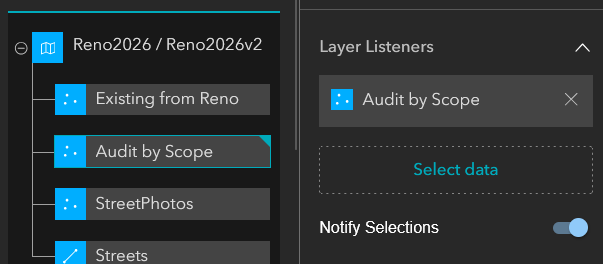
Flexible Layout Architecture
Deploy xUI in a dedicated left or right sidebar, a vertical stack, or nested directly within a standard widget controller.
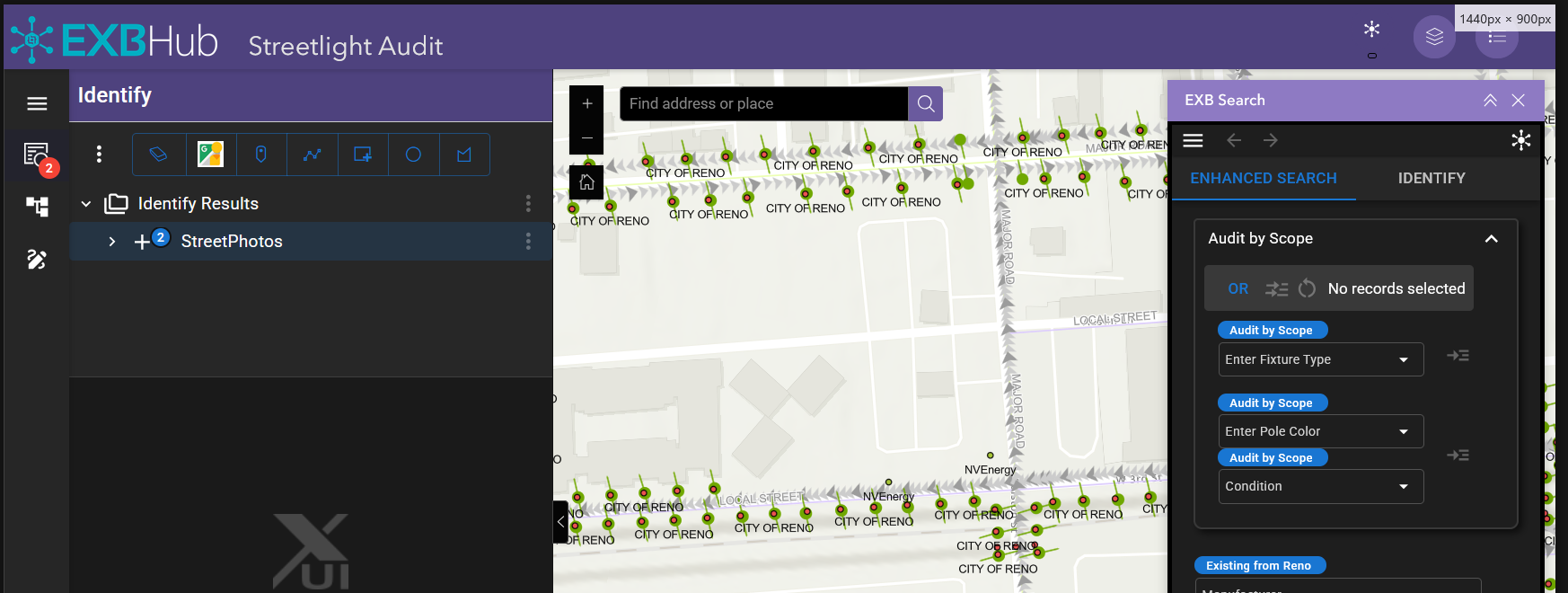
Modular Component Display
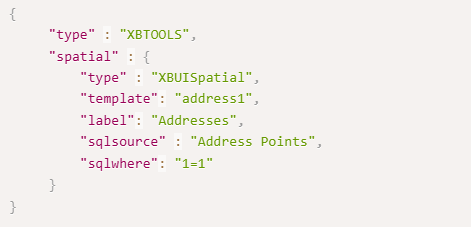
Strip away the full interface to deploy xUI as a single, focused tool—such as a standalone Enhanced Search bar.
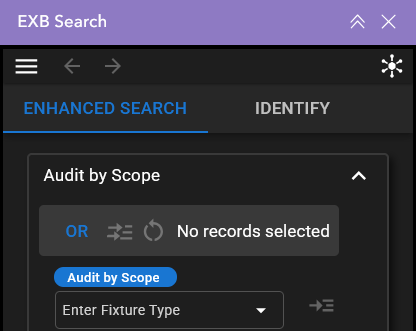
Portable Widget Configuration
Export your precise xUI settings as a configuration file for secure backups or seamless sharing.
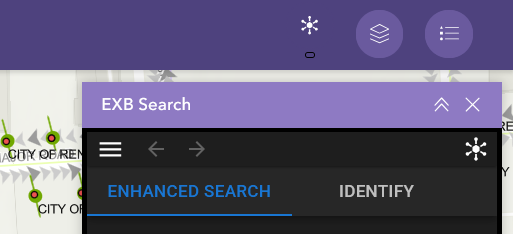
Comprehensive UI Formatting
Customize colors, labels, measurement units, and decimal precision to meet strict municipal reporting standards.
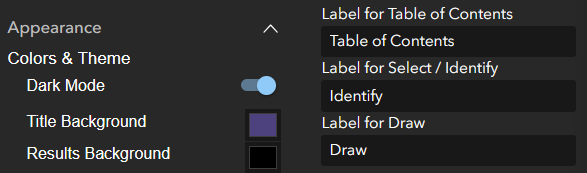
Adaptive Theme Modes
Seamlessly toggle between Light and Dark modes to match user preferences or operating environments.

EXBHub | Empowering the Next Generation of GIS
EXBHub is the premier desktop ecosystem designed to streamline the ArcGIS Experience Builder Developer Edition workflow. By combining automated environment management, a native Windows architecture, and flexible deployment options, we empower GIS professionals to build and deploy sophisticated web applications without the overhead of complex IT infrastructure.
Whether you are integrating custom-coded widgets, utilizing our xUI data-tree interface, or deploying to your own private infrastructure, EXBHub provides a secure, local-first environment to turn spatial data into interactive experiences.
Local. Secure. Automated. © 2026 Wide World Digital. All rights reserved.
ArcGIS and Experience Builder are registered trademarks of Esri, Inc.

